
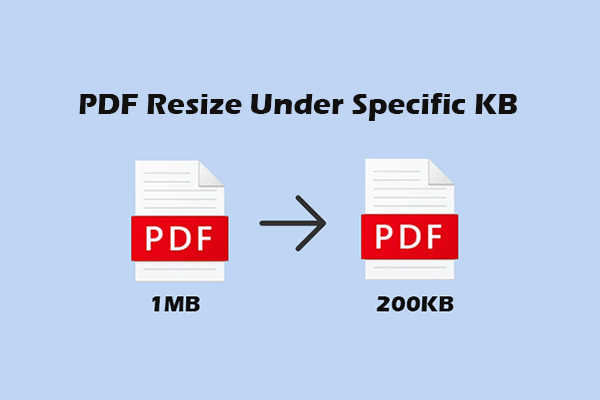
How to Resize PDF Under 100KB, 200KB, 300KB, or 500KB
This article will teach you how to resize PDF under 100/200/300/500KB using MiniTool PDF Editor and Adobe Acrobat.
By Cecilia / Published
MiniTool PDF Editor is one of the best choice to create, edit, convert, sign and share PDF files. Learn the tips and tricks here to edit PDF files easily.
This article will teach you how to resize PDF under 100/200/300/500KB using MiniTool PDF Editor and Adobe Acrobat.
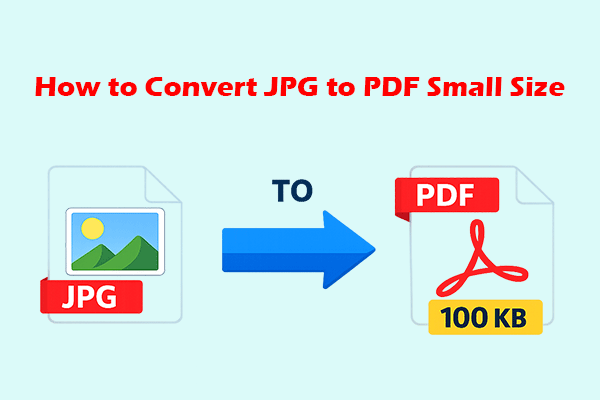
Learn how to convert images, such as JPG or PNG, to PDF files under a specific size, from 100KB up to several megabytes.
![How Do You Rotate a Scanned PDF [2 Methods]](https://images.minitool.com/pdf.minitool.com/images/uploads/2026/03/how-do-you-rotate-a-scanned-pdf-thumbnail.png)
This article shows you how to rotate a scanned PDF with MiniTool PDF Editor and Adobe Acrobat.
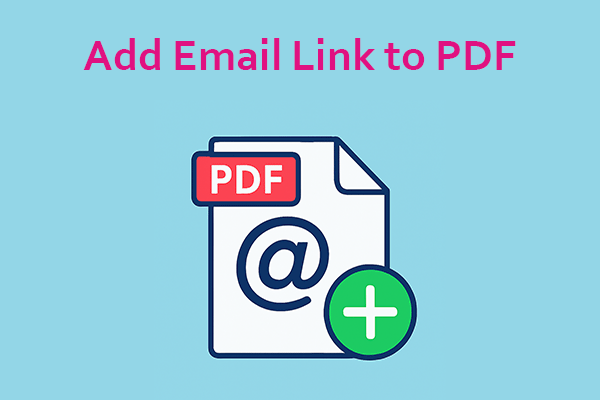
This post shows you how to add an email link to a PDF with MiniTool PDF Editor, Adobe Acrobat, and online tools.
This post shows you how to print multiple copies of a PDF on one page with MiniTool PDF Editor and Adobe Acrobat.
This post tells you why to convert a bank statement PDF to Excel and shows you how to do that using 4 methods.
This article introduces two methods for translating English PDFs into Tamil: one is using MiniTool PDF Editor, and the other is using Google Translate.
This article introduces the best PDF converters to you, including MiniTool PDF Editor, Adobe Acrobat, PDFsam, LibreOffice, and Calibre.
Learn how to insert a photo in a resume using MiniTool PDF Editor and Microsoft Word, and when to include a photo.
This post shows you how to enlarge a PDF for printing with MiniTool PDF Editor, Adobe Acrobat, and Google Chrome.